
Use the smallest page and action that matches the job. This keeps corrections explainable and avoids replaying a whole library when one title or destination needs attention.
Choose the starting page
| Goal | Start here | Confirm with |
|---|---|---|
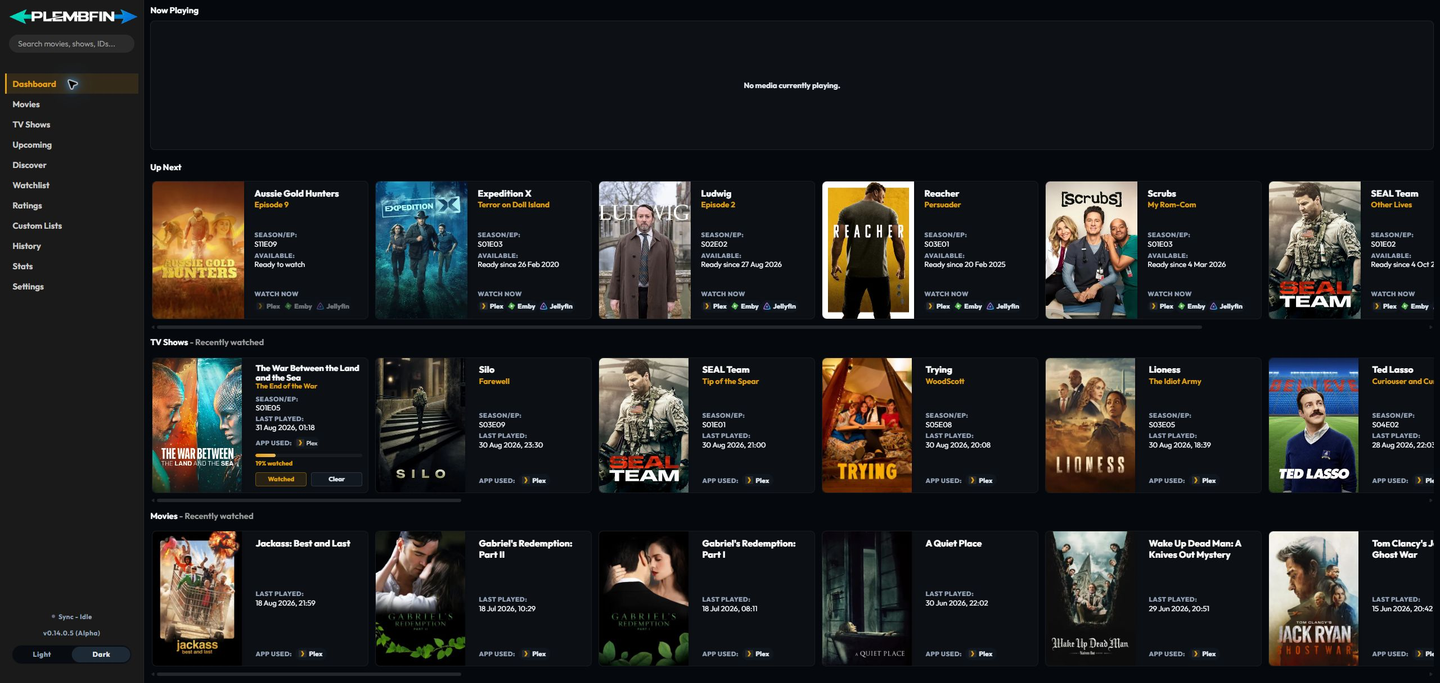
| See active playback | Dashboard, Now Playing | source and progress |
| Start the next movie or released episode | Dashboard, Up Next | provider availability or Watch Now |
| Continue an incomplete title | Dashboard, Up Next | resume position |
| Save or rate a title | Discover or media details | Watchlist, Ratings, or Custom Lists |
| Mark one title watched | Movies or TV Shows, then the title action | History and Sync Activity |
| Correct a wrong title identity | Media details, Fix Match | provider details and Sync Activity |
| Repair one destination | Sync Activity, targeted retry | destination result |
| Refresh missing artwork or metadata | Settings, Metadata | title detail and Logs |
| Check a bulk operation | Sync Activity | every destination row |
Verify a change
After a watch or manual correction:
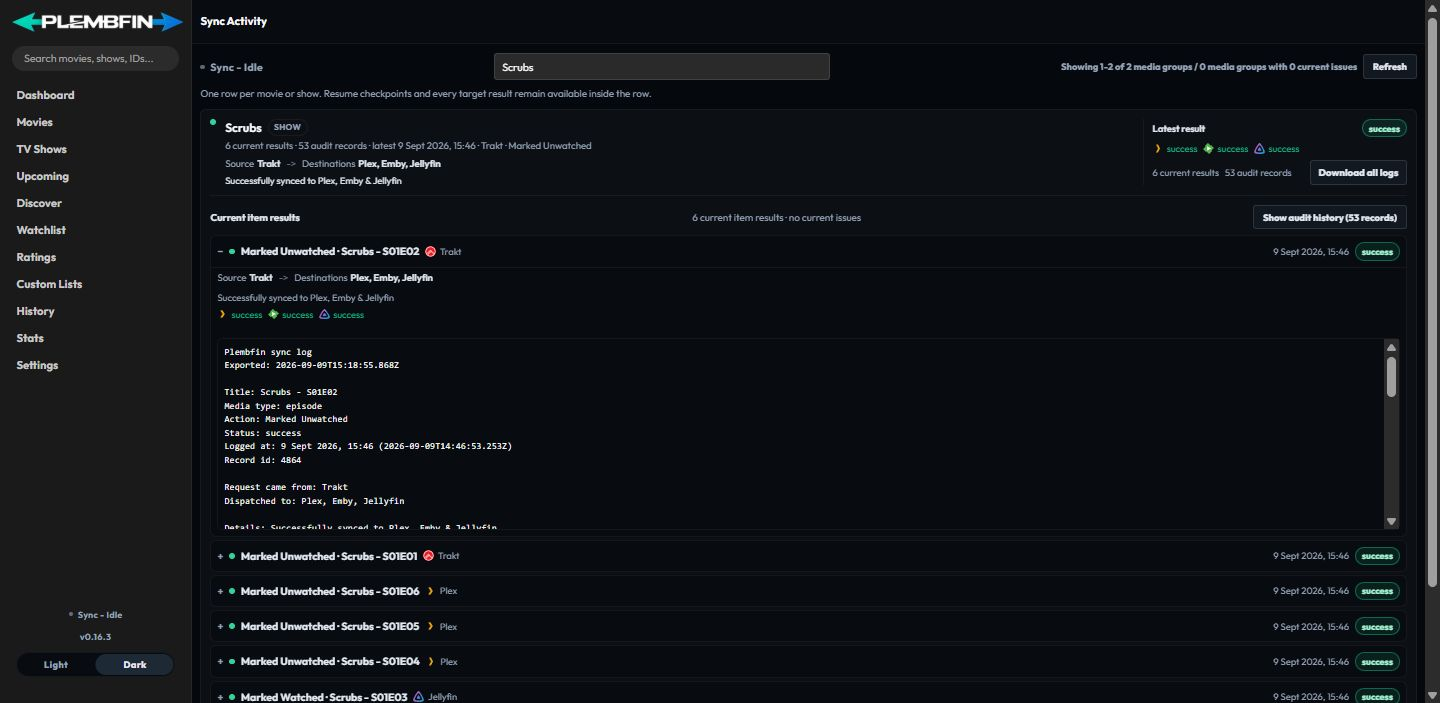
- Open Sync Activity.
- Find the newest row for the title or operation.
- Read each destination result separately.
- Correct the source, match, or connection named by the reason.
- Retry only the affected item or destination when possible.
The sidebar status is a summary. Use Sync Activity or Settings → Logs when you need the evidence behind a result.