
Tools contains focused maintenance actions. Create and verify a backup before any action that can change or delete local state.
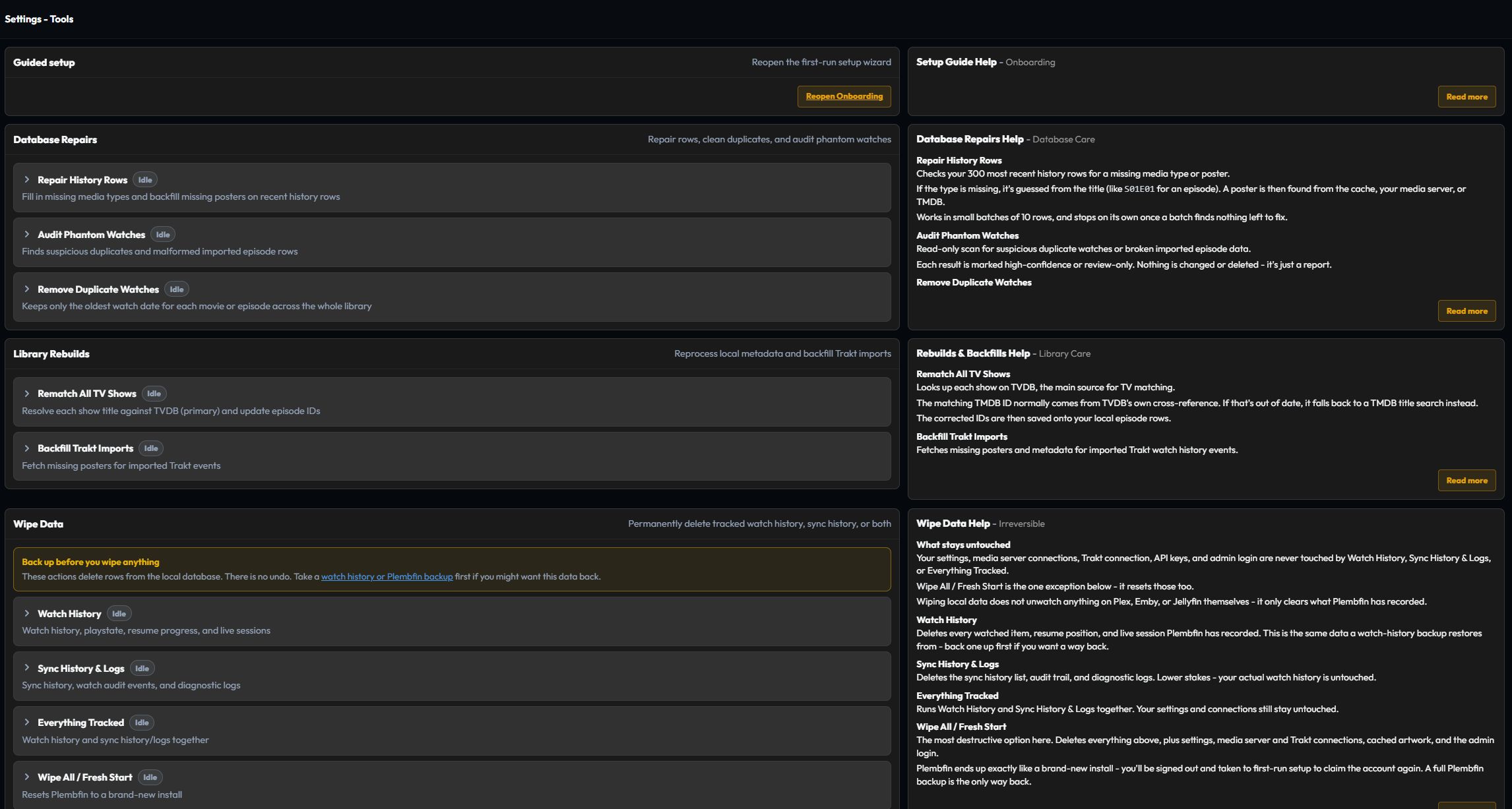
Guided Setup

Guided Setup reopens the resumable first-run configuration flow. Use it for a new install or to identify an incomplete setup step. Restore-from-backup is a separate Settings → Restore card so recovery scope is visible on its own.
Database Repairs
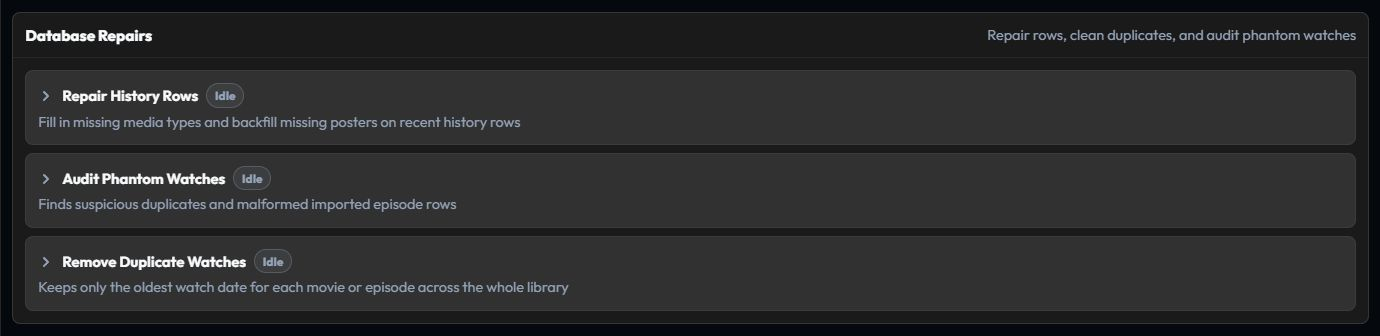
Database Repairs contains confirmed tools for repairing derived or duplicate data:
- Repair History Rows fills missing media types and resolvable poster data.
- Audit Phantom Watches finds suspicious duplicate or malformed imported episode rows.
- Remove Duplicate Watches removes extra current watch dates after you review the count.
- Restore Missing Episode Names checks episode records and fills a missing name when provider metadata supplies one.
The episode-name audit distinguishes resolved rows, retryable metadata failures, and episodes verified by the metadata source as No title provided. Repairs can change the rows used by History, TV progress, and Stats. Check those views and destination telemetry afterward.
Library Rebuilds and Backfills

Library Rebuilds and Backfills contains library-wide enrichment actions:
- Rematch All TV Shows resolves show titles against TMDB and TheTVDB and updates episode identities when automatic matching selected the wrong series.
- Backfill Trakt Imports fetches missing posters for imported Trakt events.
These actions can be expensive on a large archive. Keep Logs open while they run.
Wipe Data
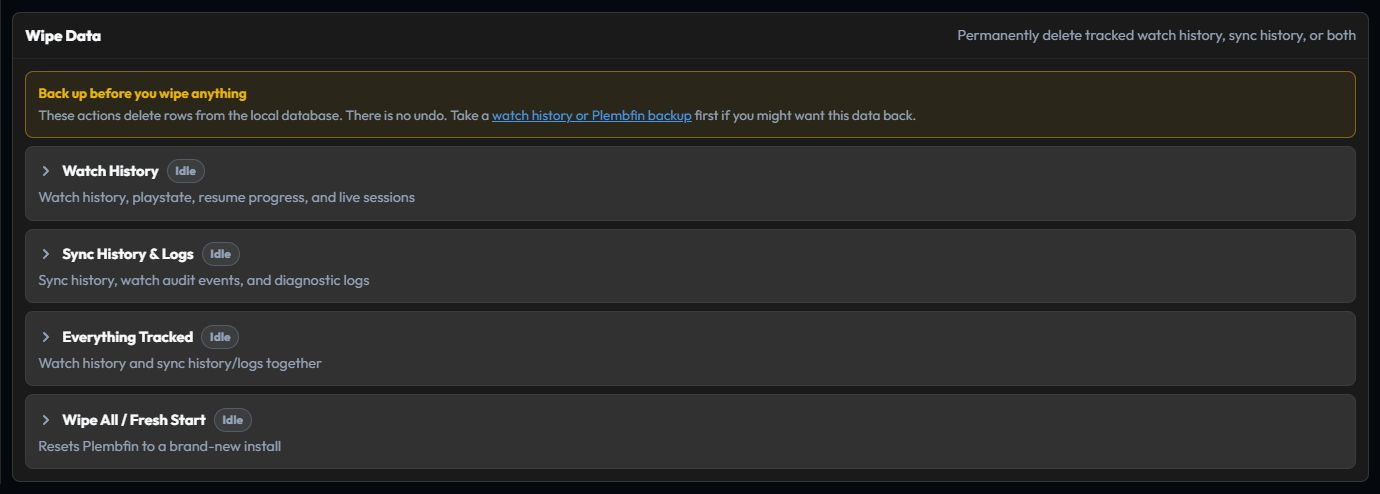
Wipe Data is destructive and requires two confirmation steps. Its scopes are:
- Watch History: local watch history, playstate, resume markers, and live sessions.
- Sync History & Logs: synchronization history, watch audit, and diagnostic logs.
- Everything Tracked: both tracked watch state and sync history/logs.
- Wipe All / Fresh Start: all of the above plus settings, connections, cached artwork, and the administrator login.
Before a wipe, create and verify a backup, read the preview, and confirm the scope intentionally. For one incorrect title or destination, use Fix Match, Edit watch date, or a targeted Sync Activity retry instead.