
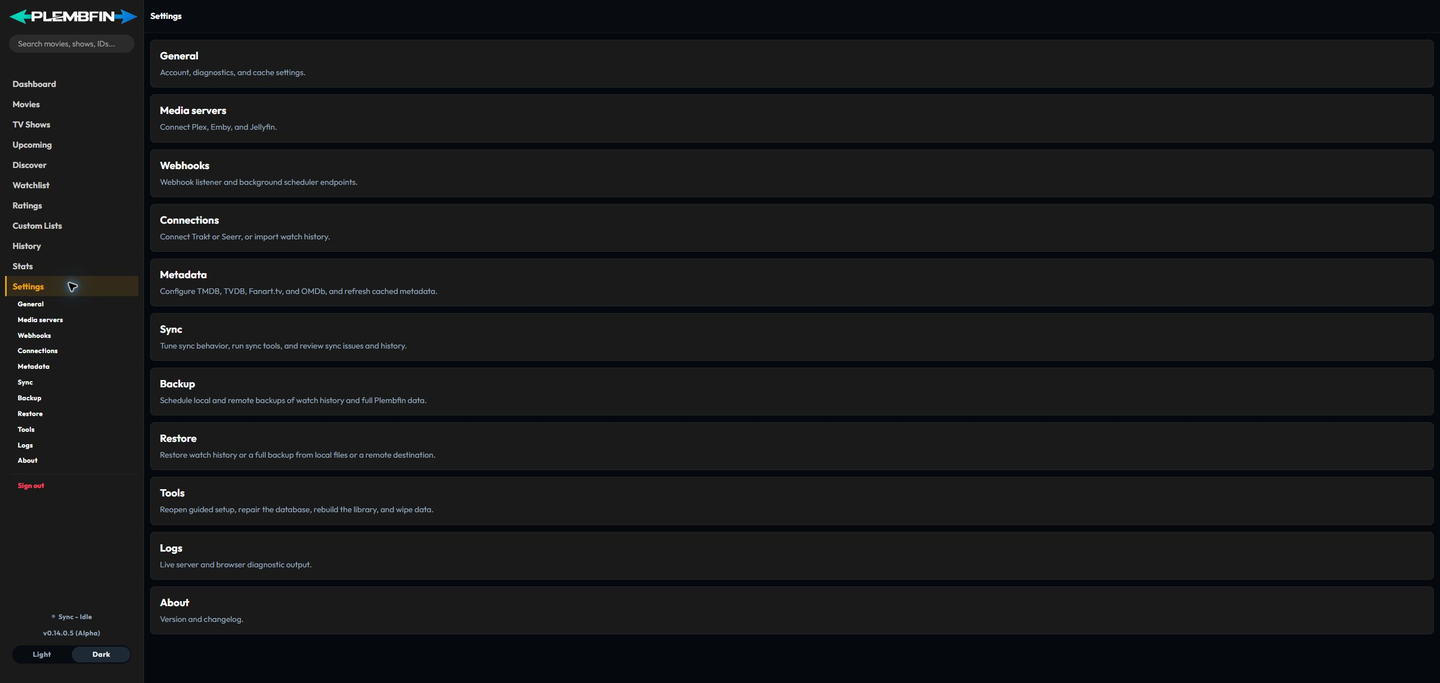
Settings is the administration area for connections, metadata, synchronization, backups, diagnostics, and maintenance.
Each top-level Settings group has its own guide. Open a group below, then use the right-hand page outline to jump between the sections on that page.
Settings map
| Group | App path | Guide focus |
|---|---|---|
| General | /settings/general | Account access and local instance health |
| Media servers | /settings/media-servers | Plex, Emby, and Jellyfin connections |
| Webhooks | /settings/webhooks | Sender setup and webhook secret handling |
| Connections | /settings/connections | Trakt and Seerr integrations |
| Metadata | /settings/metadata | Provider configuration and refresh operations |
| Sync | /settings/sync | Tuning, watched-state repairs, personal rating/Watchlist sync, issues, and sync history |
| Backup | /settings/backup | Local and remote backup workflows |
| Restore | /settings/restore | Local and remote restore workflows |
| Tools | /settings/tools | Setup, repairs, rebuilds, and wipe controls |
| Logs | /settings/logs | Server diagnostics and log review |
| About | /settings/about | Installed release and release history |
Working in Settings
Make one change at a time. Wait for the save or operation status to finish, then verify the result in the affected app view or in Sync Activity.
For destructive maintenance and recovery actions, create a backup first and review the operation scope before confirming it. Use Troubleshooting when a setting, connection, or maintenance operation does not behave as expected.