
Webhooks contains the sender setup guides and the secret used to authenticate incoming events.
Setup guides
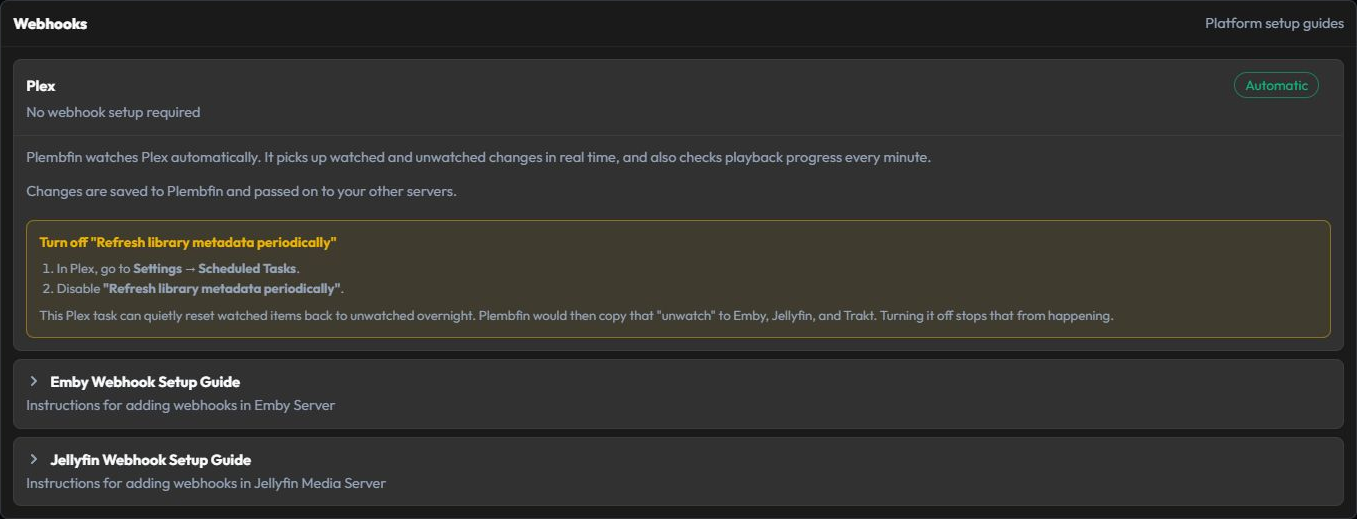
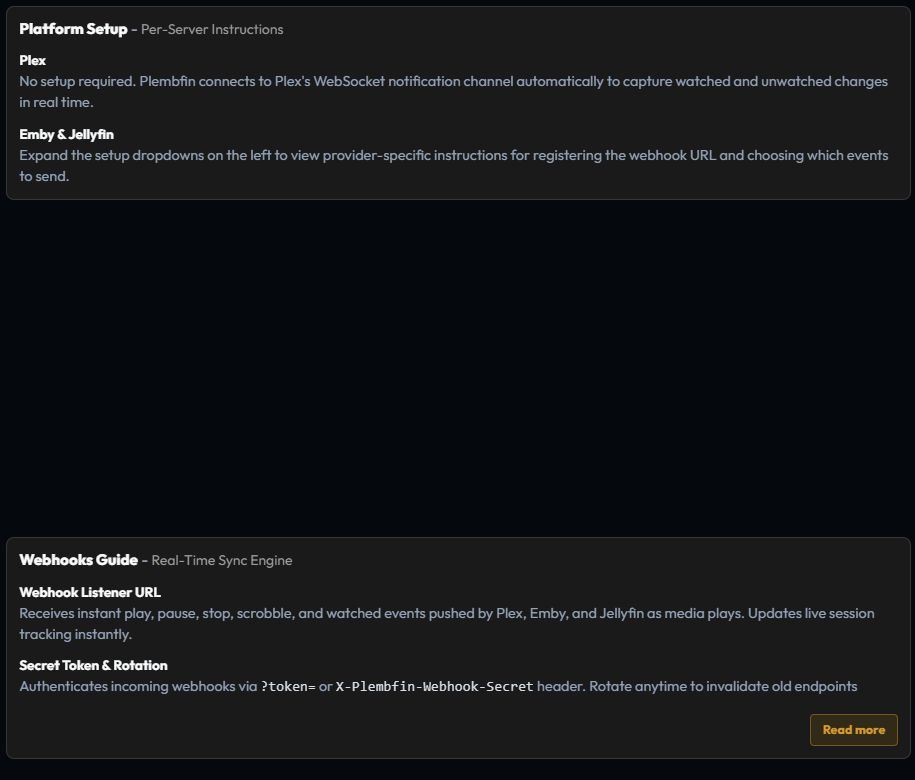
Use the platform-specific setup guidance for Plex, Emby, or Jellyfin. Configure the sender to reach the Plembfin host and include the authentication value exactly as shown by the app.
Plex normally uses Plembfin’s realtime notification listener. Emby and Jellyfin use their webhook integrations for playback events, with scheduled polling providing reconciliation.
After configuring a sender, play a short portion of a known title and confirm both a new History row and a Sync Activity result.
Webhook secret

Copy the complete generated URL when the sender cannot set a custom header. In that mode the
secret is carried in the query string as ?token=....
When the sender supports headers, use X-Plembfin-Webhook-Secret or the accepted
Authorization: Bearer form exactly as shown by the guide.
To rotate the secret:
- Choose Rotate and confirm it.
- Update every configured sender with the new URL or header value.
- Send one test event.
- Confirm a new Sync Activity row.
Rotation immediately invalidates old webhook URLs. Never include a token-bearing URL in a public issue, log attachment, or screenshot. For a 401 response, follow Webhook returns 401.