
General is the first Settings group to check when the instance needs account, health, or local storage changes.

Account
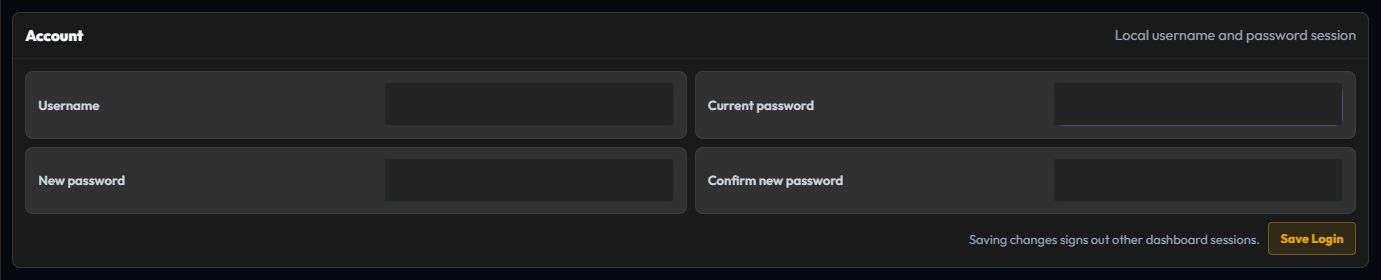
Account manages the administrator login used to access Plembfin.
- Username identifies the dashboard account.
- Current password verifies an existing password before a change.
- New password and Confirm new password set the replacement password.
- Save Login stores the change and signs out other active dashboard sessions.
Sign in again with the new credentials after a password change. Keep credentials out of screenshots, issue reports, and shared logs.
System Integrity
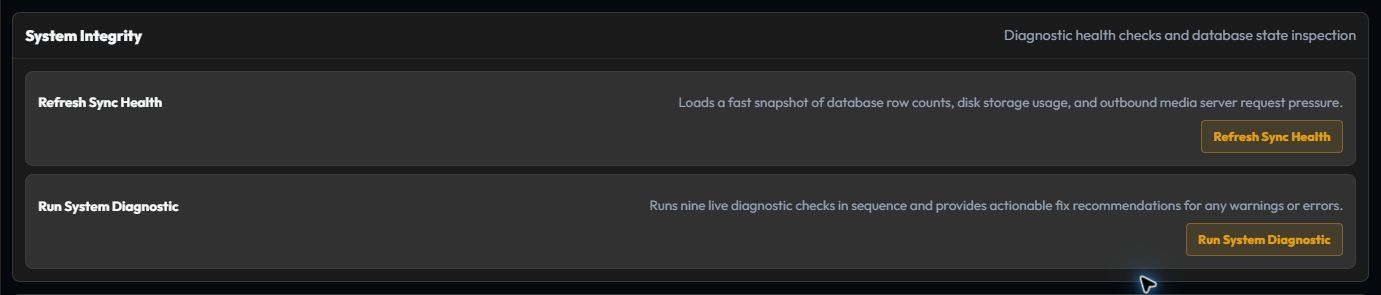
Use System Integrity before a large repair, after restoring data, or when several features fail together.
- Refresh Sync Health loads a compact snapshot of database rows, storage, and outbound request pressure.
- Run System Diagnostic runs the detailed connection and scheduler checks in sequence.
An integrity warning is a starting point for investigation, not a reason to wipe data. Follow the named feature guide and review Logs for the first useful error.
Storage and cache

Storage and cache reports the data directory and artwork cache.
Use Refresh Cache Stats when you need an up-to-date count or size. Clearing the image cache removes cached posters, backdrops, and cast profiles, but it does not remove watch history. Plembfin fetches the images again when a page needs them.
If artwork is still missing after a refresh, check Metadata and then follow the metadata troubleshooting guide.