
The Media servers group contains one connection card for each supported server. Account-based setup is preferred; manual fields remain available as a fallback.
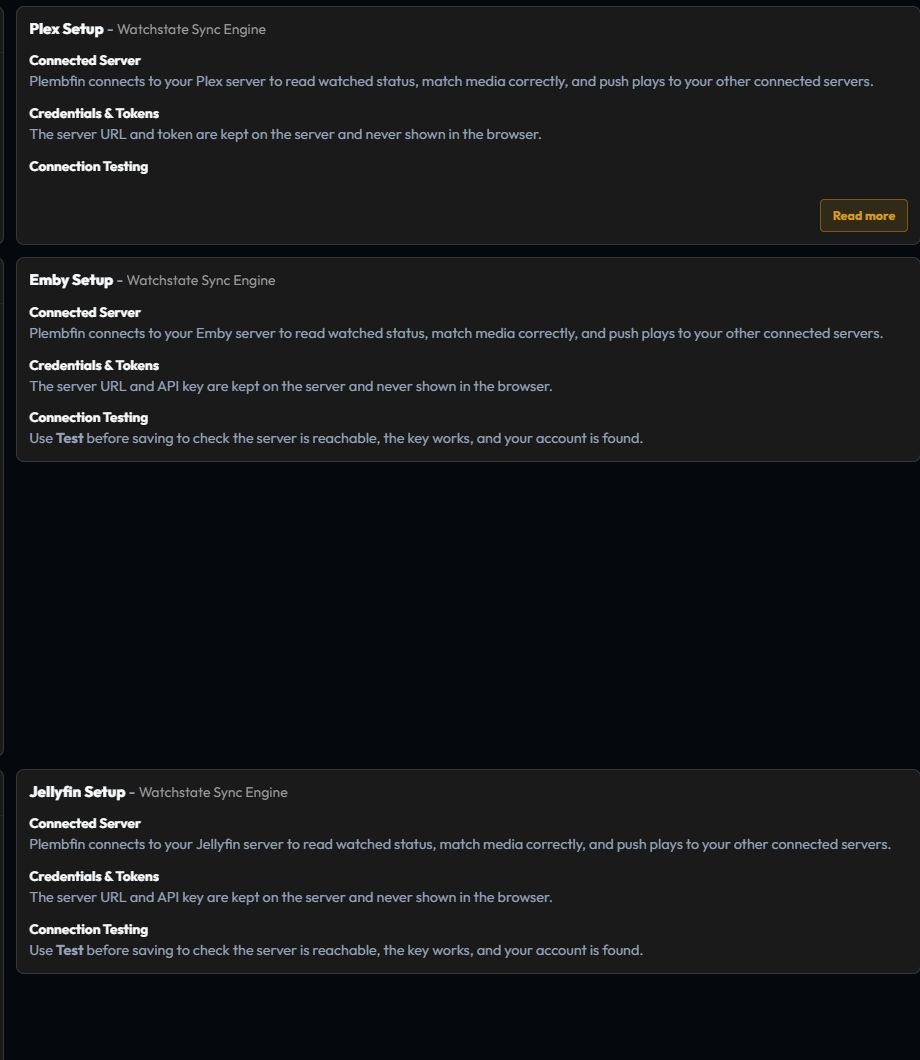
Plex

Plex account setup signs in through Plex, lets you select the intended server, and stores the encrypted account and server-token pair.
Plex’s notification listener provides realtime events, so a separate manual webhook is normally not required.
After saving:
- Run Test on the Plex card.
- Confirm the intended server is enabled.
- Play a short portion of a known title.
- Confirm a History row and a Sync Activity result.
The Plex card also exposes Sync watchlist with Plex. This optional toggle is saved independently from the connection fields and uses Plex’s account-level Universal Watchlist. See Plex Watchlist Sync for the safe-union and recovery rules.
Emby
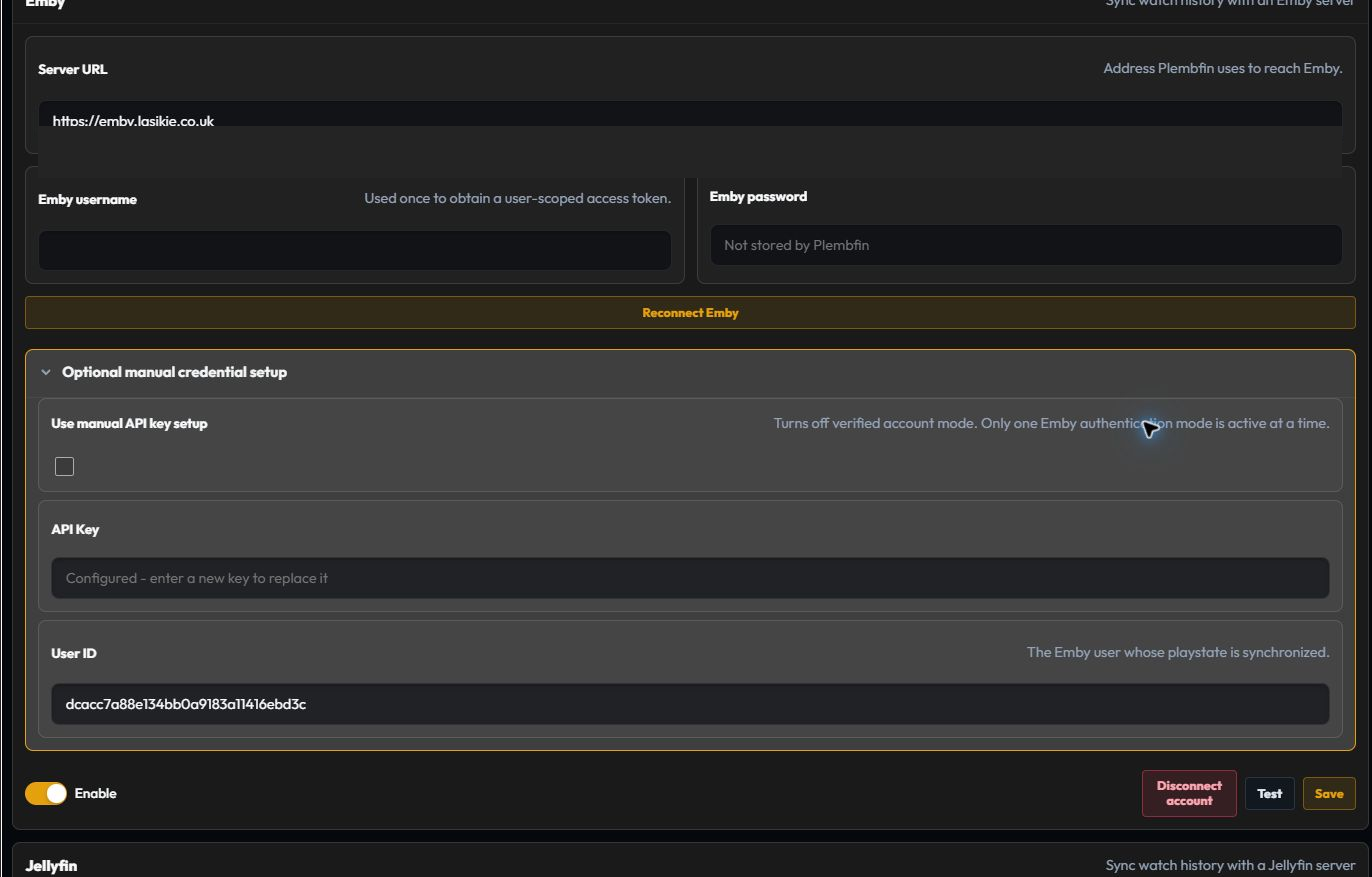
Emby setup uses the server URL and account exchange to obtain a user-scoped token. Manual setup is available when account setup cannot be used.
After saving, test the server from Plembfin’s host and configure the webhook events in Integrations.
Jellyfin
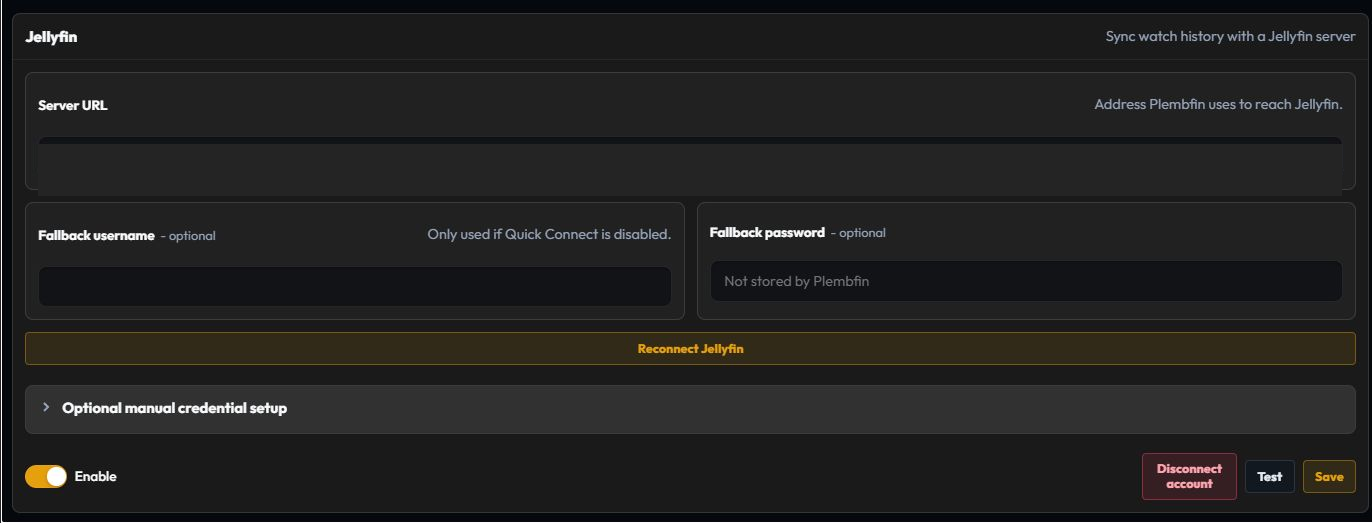
Jellyfin prefers Quick Connect and also supports a one-time username and password exchange when
Quick Connect is disabled. Jellyfin 12 uses its modern MediaBrowser authorization header;
manual API-key credentials remain supported as a fallback, and Quick Connect still exchanges
account credentials for an access token.
Configure the Webhooks plugin and the events in Integrations.
Emby and Jellyfin are used for watched-state, playback, and optional personal-rating sync; they are not Watchlist providers. Explicit watched and unwatched decisions are kept authoritative when provider state is rematched; scheduled polling is a conservative backstop for missed events.
Connection mode rules
Each provider has one active mode. Completing account setup removes that provider’s stored manual secret; saving manual setup changes the provider back to manual mode.
If a connection test fails:
- Confirm the URL is reachable from the machine running Plembfin.
- Confirm the selected server and user can access the library.
- Save the connection and run Test again.
- Send one playback event.
- Read the destination result in Sync Activity and the request error in Logs.