
Sync brings together timing controls, watched-state repair actions, private-list and rating sync, cross-platform diagnostics, and the history of dispatches made by Plembfin.
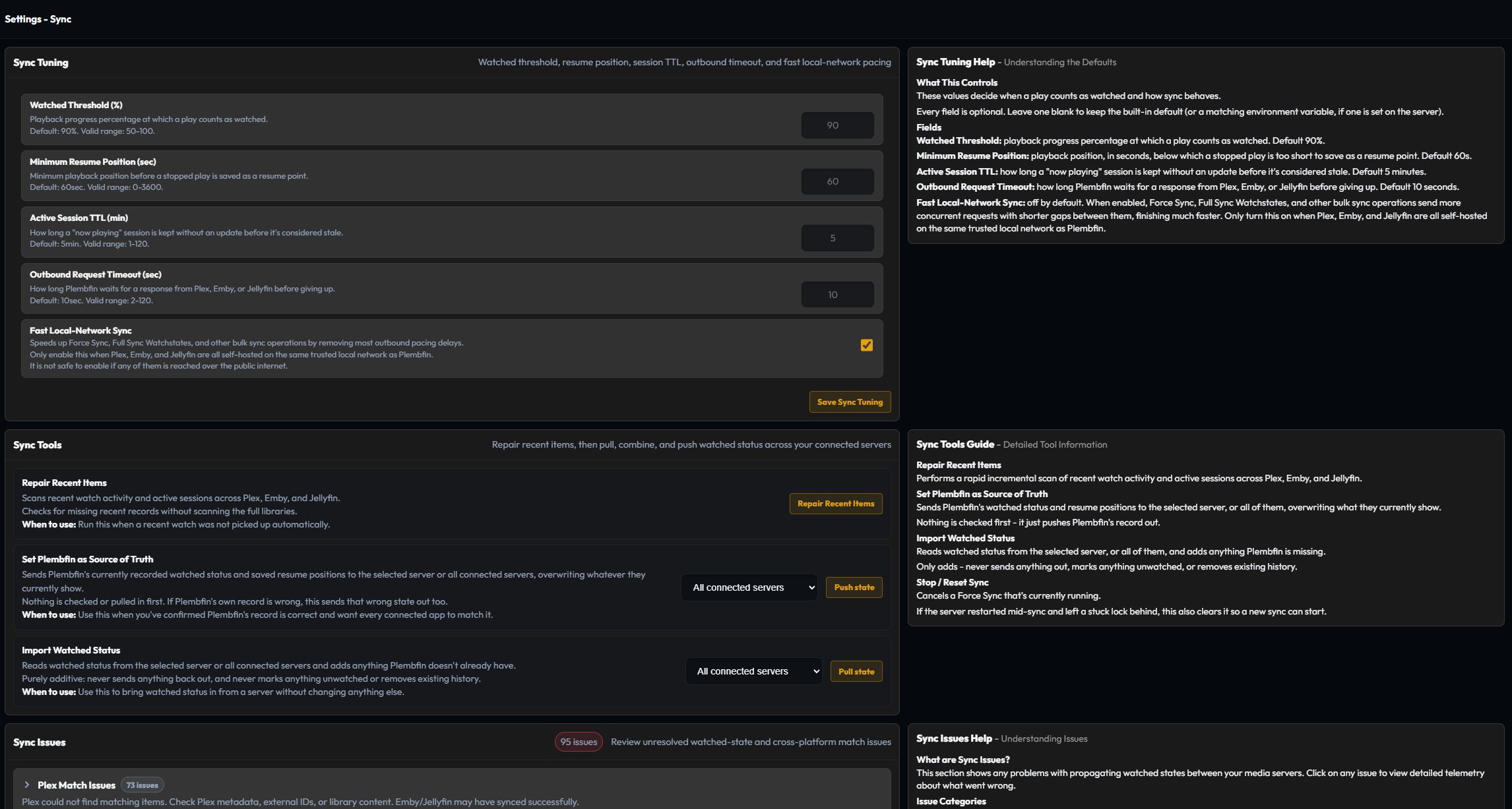
Sync tuning
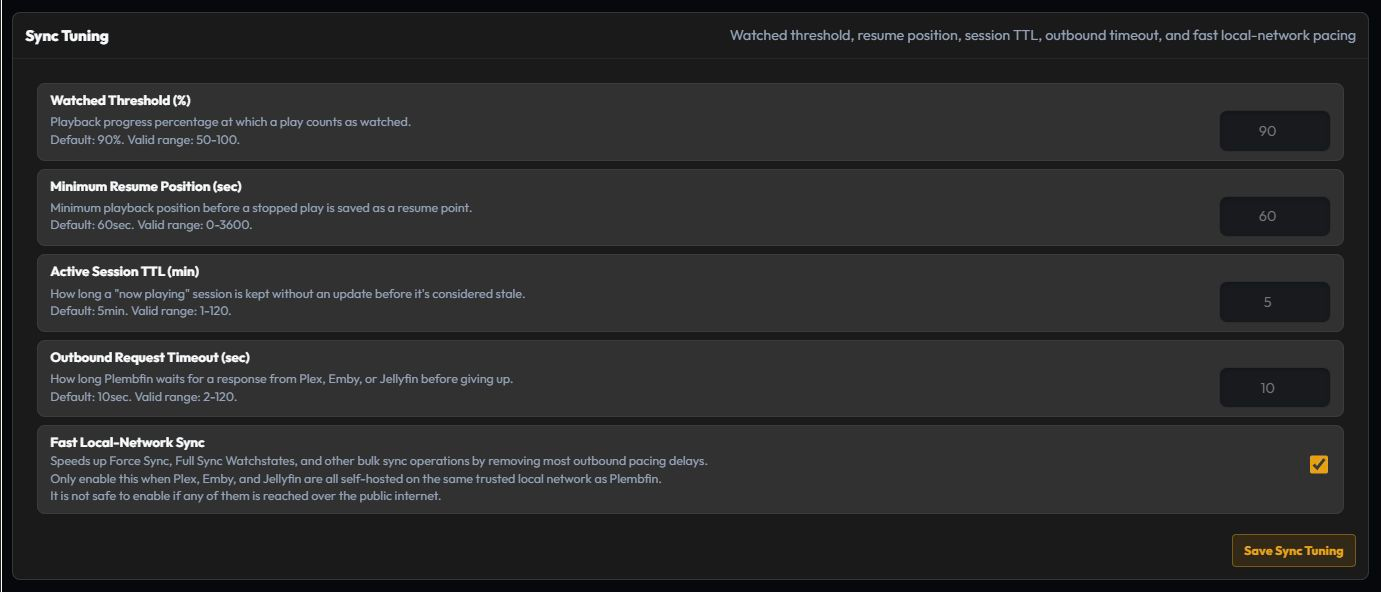
Tune the rules that decide when a playback event counts as watched and how resume progress is kept:
- Watched Threshold (%) sets the playback percentage required to record a watch.
- Minimum Resume Position (sec) prevents very short pauses from becoming resume markers.
- Active Session TTL (min) controls when an inactive Now Playing session is considered stale.
- Outbound Request Timeout (sec) controls how long Plembfin waits for a media-server response.
- Fast Local-Network Sync removes most outbound pacing delays for bulk sync operations. Enable it only when Plex, Emby, and Jellyfin are all self-hosted on the same trusted local network as Plembfin. It is not safe for servers reached over the public internet.
Change one value at a time, save it, and verify the next event in Sync Activity.
Manual Watch review
When a media server reports Mark Played without a reliable completion time, select Require review in Sync Tuning to hold that change for a deliberate decision instead of assigning a guessed watch date. The Manual Watch review page appears in the sidebar while decisions are pending.
Episode reviews are grouped by show; movies appear as individual items. Search by title, then choose the date policy that matches what happened:
- Mark watched now uses the current date and time.
- Use release day uses the movie or episode release date.
- Use episode timing uses the surrounding episode dates when that context is available.
- Choose date & time records a specific custom date.
Show groups provide the same choices in bulk. If the provider event was incorrect, choose Dismiss & mark unwatched for one item or Dismiss all & mark unwatched for a show. Plembfin corrects the reporting media server before closing the review; if that correction fails, the review stays pending so it can be retried. An explicit unwatch clears an existing review, while a later deliberate provider Mark Played event can create a new one.
See Sync Activity for a separate repair path when Trakt cannot identify a show.
Personal Rating Sync
Personal Rating Sync is independent of watched-state synchronization and is disabled by default. The single Sync personal ratings toggle enables two-way reconciliation for personal movie, TV-show, and episode ratings across connected Plex, Emby, Jellyfin, and Trakt accounts. Plembfin remains the conflict authority.
The first complete snapshot imports provider ratings. Later complete snapshots reconcile additions, edits, and removals; partial or failed reads cannot clear local ratings. Local changes are saved first and delivered through a durable queue. The panel shows provider status and stuck work, and Sync now starts an immediate pass.
Episode ratings keep their parent show and season/episode identity, even when provider leaf IDs differ. A provider outage does not change watched state, resume progress, or the local score.
Plex Watchlist Sync
Plex Watchlist Sync is also independent and disabled by default. The single Sync watchlist with Plex toggle keeps Plembfin’s local canonical movie/show Watchlist aligned with Plex’s account-level Universal Watchlist. Emby and Jellyfin are not watchlist providers.
The first run takes a safe union of the local and Plex lists. Later complete snapshots reconcile additions and removals; outages and incomplete snapshots cannot delete local entries. Sync now performs a full reconcile. Failed, unavailable, and reauthentication- required queue work stays visible with Retry queued changes, and reconnecting Plex does not roll back the local list.
The same watchlist toggle is available on the Plex card in Settings → Media servers and on the Plex step in Guided Setup.
Sync tools
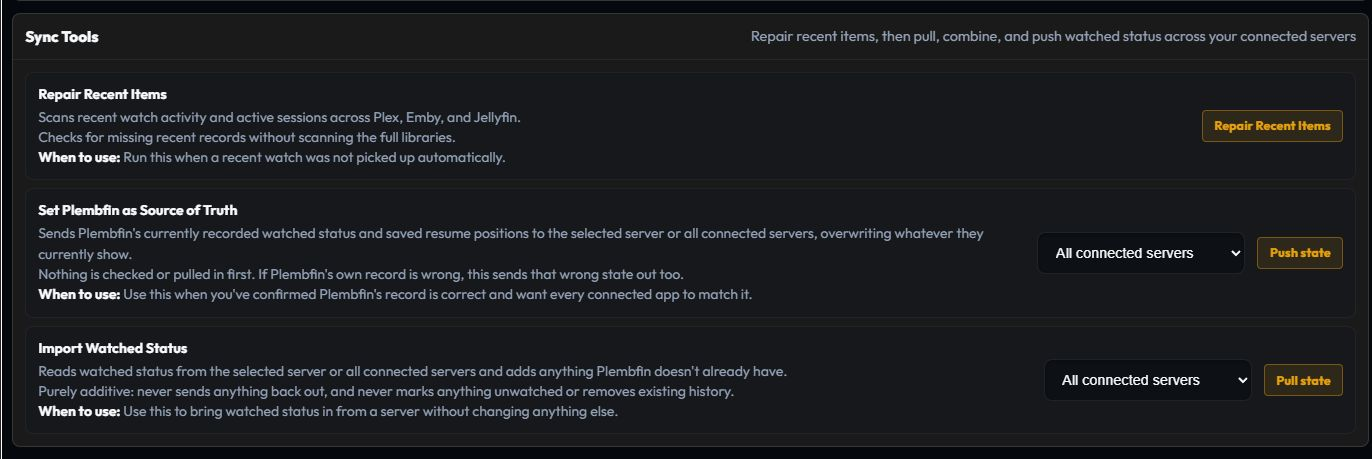
Use these actions deliberately and keep a current backup before library-wide operations.
Repair Recent Items
Checks recent watched items for missing or incomplete local records and repairs data that can be resolved safely.
Set Plembfin as Source of Truth
Pushes the local canonical watched state and resume positions to one selected server or all connected destinations. Review the preview before confirming because this can overwrite remote state.
Import Watched Status
Pulls watched state from one selected server or all connected destinations into Plembfin. It does not send changes out or remove remote state.
Sync issues and match report
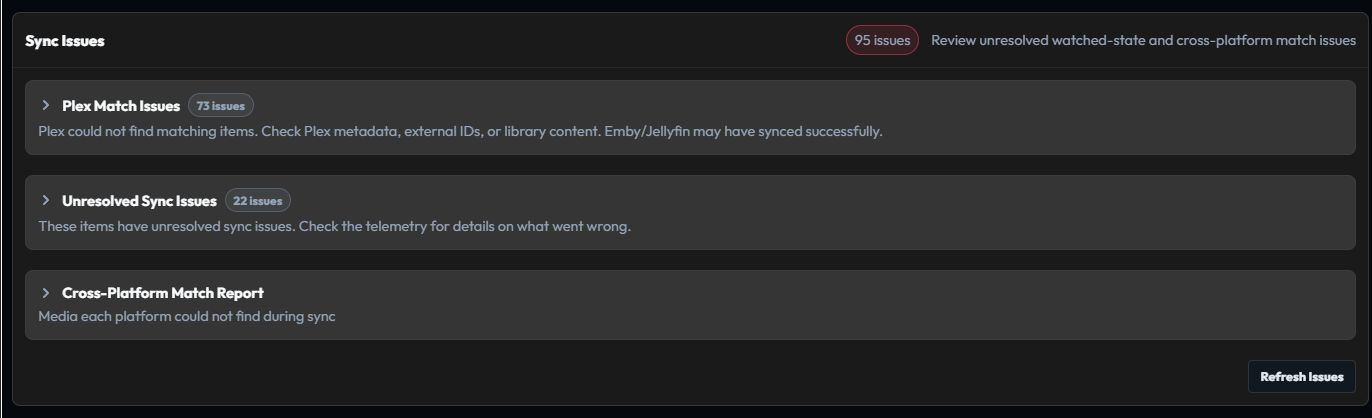
Sync Issues shows dispatches that could not reach a destination, while the match report shows media that a platform could not find. Open an issue for its telemetry, verify the title identity, then retry the affected destination or use Fix Match for a single incorrect title.
Sync history

Sync History lists recent operations with their source, destination, outcome, and reason. Use it to confirm that a manual action or webhook reached every intended destination; use Logs for the lower-level request detail.