
Custom Lists are private named collections for movies and TV shows. Use them for themes, watching plans, favourites, research, or any grouping that does not belong in canonical watch history.
Open Custom Lists
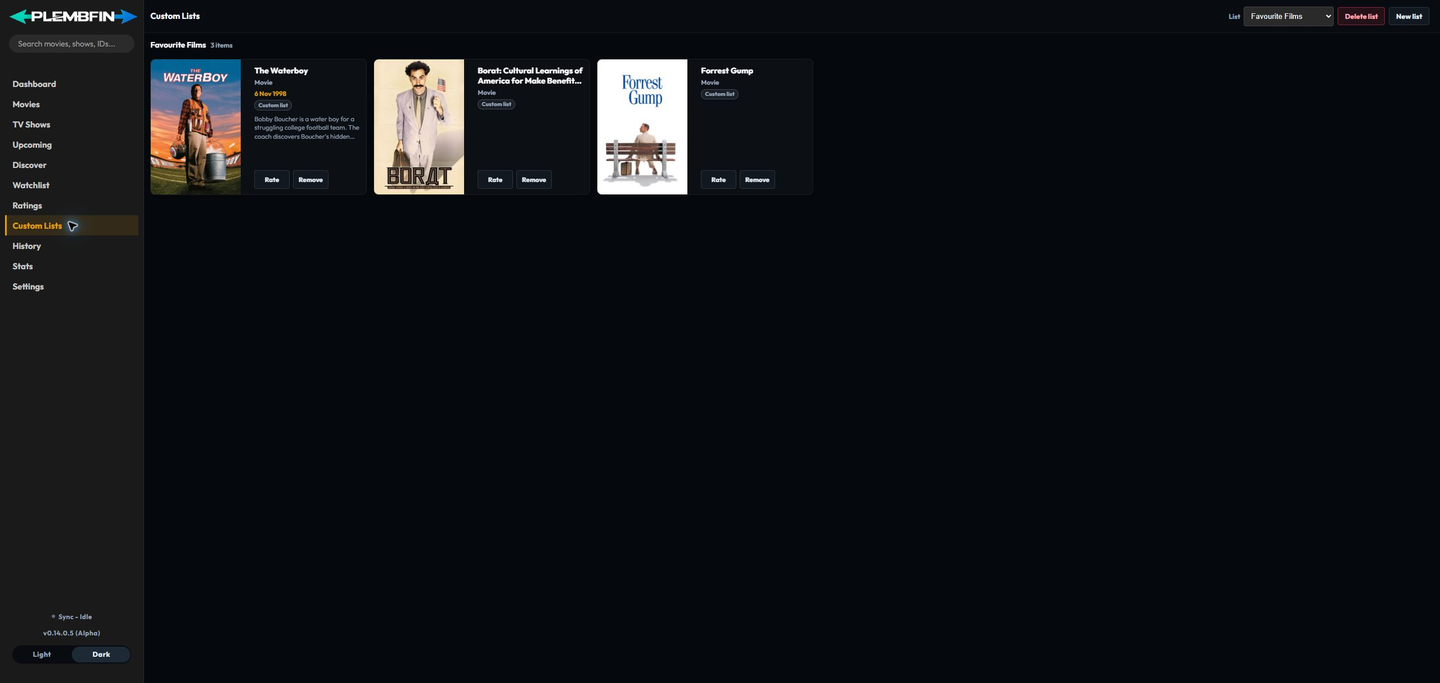
Select Custom Lists in the sidebar. The List selector changes the active collection; the cards below it show membership in that list rather than every title in the library.
Create and select a list
Choose New list, enter a name, and save. The new collection becomes available in the List selector. An empty list remains available until you explicitly delete it, which makes it safe to create a collection before deciding which titles belong in it.
Add a movie or TV show

Use Add to custom list from a movie or TV detail page, then select one or more lists. The action becomes In custom list when the title already has membership. A title can be in several lists at once and can also be in Watchlist or Ratings.
Remove membership
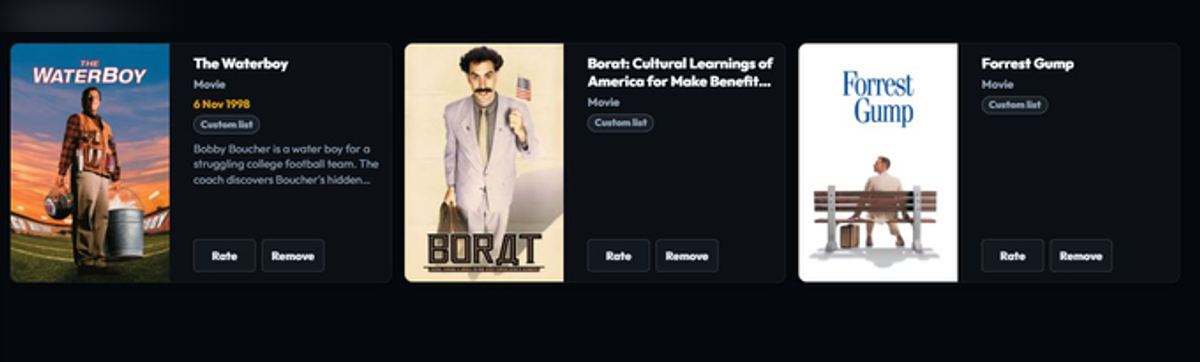
Use Remove on a card in the selected list, or use the detail page’s custom-list chooser to clear the membership. Removing membership does not remove the title from another list, Watchlist, Ratings, the local library, or watch history.
Delete a list
Choose Delete list and confirm the selected collection. The operation removes list membership for that collection only. It does not delete the media record, provider metadata, watch history, personal rating, or membership in another list.
Privacy and empty states
If no lists exist, the page presents New list directly. If a list has no members, that is different from a missing list: choose it again from the selector or add a title from a detail page. Custom Lists never create watched events or change the sync identity of a title.