
The Plembfin sidebar is the starting point for every regular workflow. It keeps the main pages, sync status, appearance controls, and instance actions in one consistent place.
Main navigation
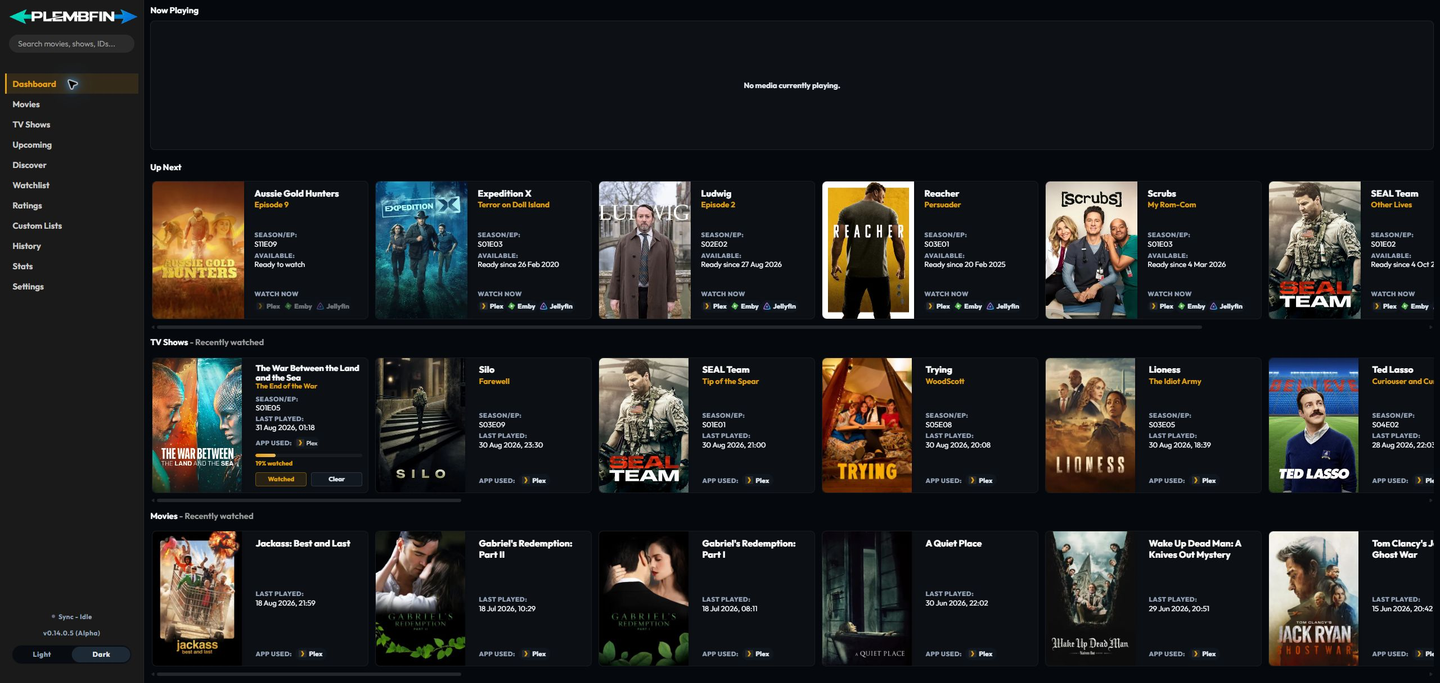
The main sidebar links to:
- Dashboard for active playback, a mixed Up Next queue, and recent completed TV and movie history;
- Movies for tracked movie records;
- TV Shows for tracked series, seasons, episodes, and progress;
- Upcoming for episode air dates;
- Discover for current TMDB-backed movie and TV feeds;
- Watchlist for media saved for later;
- Ratings for private 1–10 scores across movies, shows, and episodes;
- Custom Lists for named collections of media;
- History for the durable watch-event archive;
- Stats for reports and viewing breakdowns; and
- Settings for connections, metadata, sync tools, backups, diagnostics, and maintenance.
Select a title, poster, or history row when you need to open its media details. Discovery cards and cards from Watchlist, Ratings, or Custom Lists use the same detail routes, so a title can move between workflows without creating a duplicate library record.
Sidebar status and actions
The lower part of the sidebar contains controls that are available across pages:
- Complete onboarding appears while the instance still has unfinished setup steps.
- The Sync indicator opens Sync Activity. Its status is a summary, so read the activity row or Settings → Logs for the detailed reason.
- Attention - Issue appears when a restore or sync item needs repair; use it to open the grouped attention panel and follow the retry, skip, or Fix Match action.
- The app version control opens the release notes.
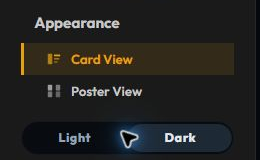
- Appearance is available on movie and TV detail pages and controls optional detail sections. Dashboard history always uses Card View.
Page navigation
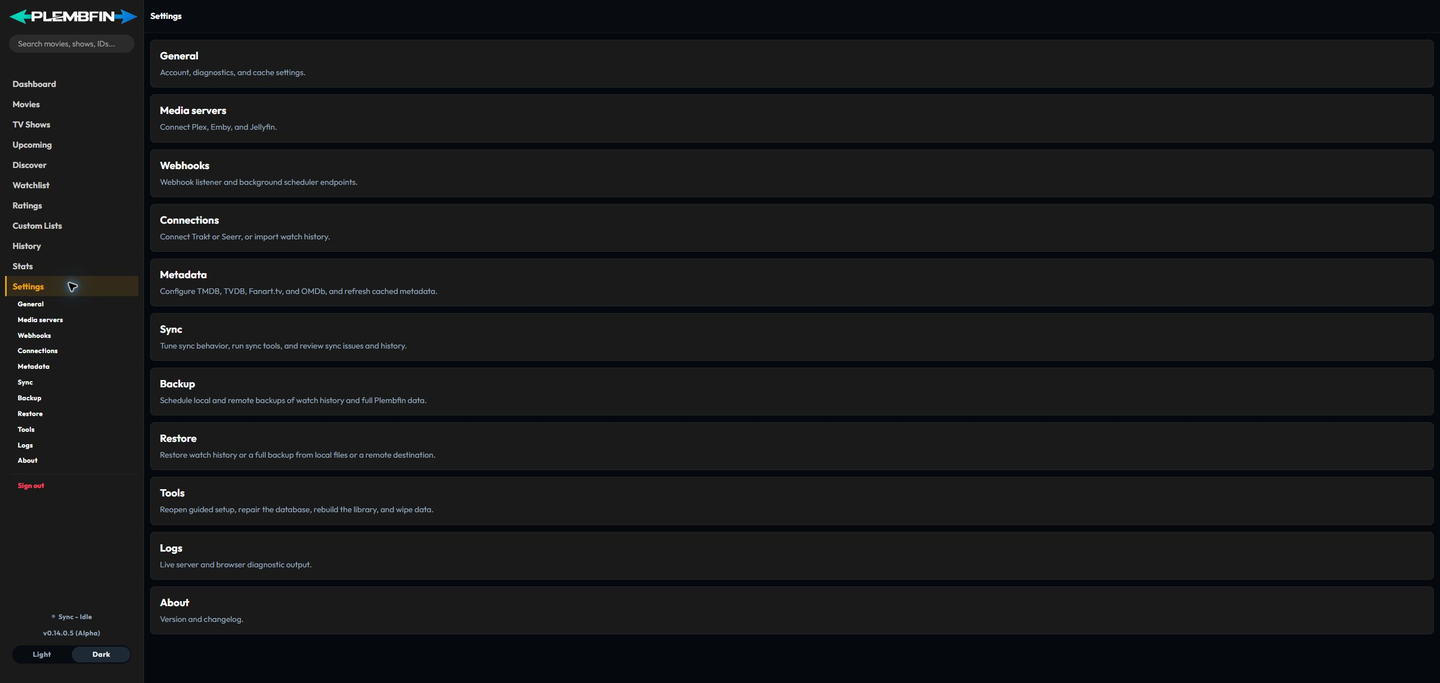
The selected sidebar item identifies the current page. Links in the right-hand On this page menu jump to sections within that page and account for the sticky navigation bar.
Use the browser back button when you want to return to the previous page or detail view.